The MSP Lead List That Actually Works: How to Build Your Own Instead of Buying Garbage Data
You've probably been here before. You're ready to start outbound, you know you need to get in front of more business owners in your target verticals, and someon...
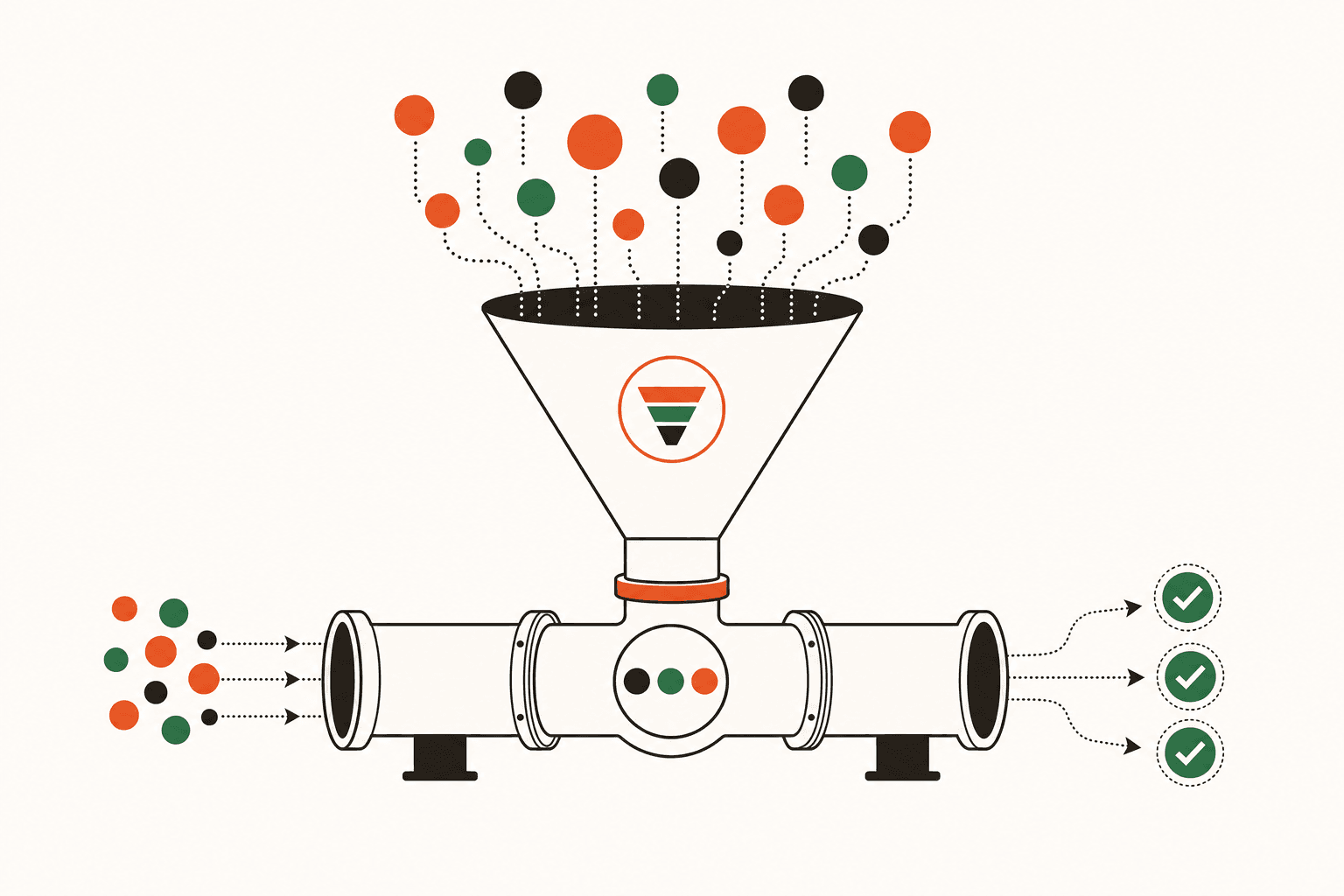
You've probably been here before. You're ready to start outbound, you know you need to get in front of more business owners in your target verticals, and someone in an MSP Facebook group mentions a data provider. Fifty bucks later, you've got 2,000 "verified" contacts and a spreadsheet full of hope. Two weeks into the campaign, you've got a 35% bounce rate, three angry replies from people who left that company in 2022, and zero booked appointments.
Purchased lists aren't just a waste of money—they're a waste of the window of time you had to make a good first impression. When your cold email lands in a dead inbox or gets forwarded to someone who has no idea why you're contacting them, you're not just losing that lead. You're burning sender reputation, wasting your SDR's time, and training yourself to believe outbound doesn't work for MSPs. It does work. The list is the problem.
This post is about building your own prospect database from scratch—one that's hygiene-verified, reflects actual buying signals, and is specific enough to your target market that your outreach feels like it was written for that exact person. It takes more effort upfront than typing in a credit card number. It also converts at a completely different rate.
Why Purchased MSP Lead Lists Fail (And It's Not Just Bad Data)
The 40% bad data figure gets thrown around a lot, and it's roughly accurate—industry studies on B2B contact databases consistently show decay rates between 25% and 40% annually. But that's not the whole story.
Even the "good" data on a purchased list is often wrong for you. A provider selling you "50-employee companies in manufacturing within 50 miles" doesn't know which of those companies already has an MSP they're happy with, which ones are running on a break-fix model and actively frustrated, which ones just hired a new operations manager who's been burned by IT before, or which ones are in a vertical you actually understand and can serve well.
A list that's technically accurate but contextually irrelevant is almost as useless as one with bad emails. You end up sending generic outreach to generic targets and wondering why nobody responds. The problem isn't your email copy (though that matters too—more on that in a minute). The problem is that you're fishing in a pond with no fish.
The MSPs I see getting real traction from outbound aren't buying lists. They're building them—slowly, intentionally, from sources that tell them something meaningful about the prospect before they ever make contact.
Start With Ideal Client Criteria, Not a Search Filter
Before you touch a database tool, you need to be ruthlessly specific about who you're actually building a list of. Not "SMBs with 10–50 employees." That's a filter, not a profile.
A useful ideal client profile for list-building purposes includes:
- Seat range — not just employee count. A 40-person company with 12 people on computers is a different deal than a 40-person warehouse operation. Target by likely managed seats, not headcount.
- Vertical — and ideally, a vertical you already have clients in. If you have three dental practices under management, you have case studies, you know the software stack (Dentrix, Eaglesoft), you know the compliance requirements. That's a different conversation than cold-calling a law firm.
- Geography — be honest about your service radius. If you're in Charlotte and you've never serviced a client more than 45 minutes away, don't build a list that covers the entire Southeast.
- Current IT situation signals — are they break-fix? Do they have a part-time internal IT person? Are they advertising for an IT Manager on Indeed? These signals matter more than firmographic data.
- Decision-maker role — for companies under 50 employees, you're almost always selling to the business owner or the COO/CFO, not an IT manager. Your list should reflect that.
If you've read Why Niching Down Is the Fastest Path to MSP Growth, you already know why vertical focus compounds over time. The same logic applies here—a list of 200 dental practices in your metro area will outperform a list of 2,000 generic SMBs every single time.
Where to Actually Build Your List From
Here's the practical part. These sources are all accessible without expensive subscriptions, and they produce data that's meaningfully more useful than what you'd buy.
Google Maps + Industry Associations
Search your target vertical in your city. Every result is a potential prospect. Cross-reference with local chamber of commerce directories, industry association member lists (dental associations, legal bar directories, accounting society chapters), and BNI chapter rosters. These are public, current, and geographically specific.
This is slow. It's also how you find the 40-person accounting firm that's been operating for 22 years and has never had a real IT partner—which is worth 10 hours of manual research.
LinkedIn Sales Navigator
If you're going to pay for one prospecting tool, this is it. Filter by company size, geography, industry, and job title. Look for companies where the most senior "IT" title is an Office Manager or Operations Coordinator—that's a break-fix or self-managed situation. Look for companies actively hiring for IT roles—they may be trying to solve a problem you could solve better.
Build the list inside Sales Navigator, then verify the contact data before it ever goes into your outreach sequence.
Indeed and LinkedIn Job Postings
A company posting for an "IT Support Specialist" or "Help Desk Technician" is a company actively trying to solve an IT problem. That's intent. They may be building internal capacity, or they may be trying to figure out if outsourcing makes more sense. Either way, it's a warm signal and a natural conversation opener: "I saw you're building out your IT support—we work with a lot of [vertical] companies in [city] who've gone through the same decision. Worth a 15-minute conversation?"
Local Business News and Press Releases
Companies that just received funding, opened a new location, hired a new CEO, or won a major contract are in growth mode. Growth creates IT complexity. Your local business journal, bizjournals.com, and PR Newswire are underused goldmines for this kind of trigger event data.
Google Business Profile Reviews
Look at your current clients' competitors. If your client is a 30-person CPA firm, their competitors are also 30-person CPA firms with similar IT needs. Check their Google reviews—if they mention anything about technology, systems, or software, you're learning something useful before you ever pick up the phone.
Verifying the List Before It Goes Into Your Sequence
This is where most MSPs skip a step and pay for it later. Raw data from any source—even your own research—needs verification before it goes into a cold email sequence.
The minimum hygiene check before any contact enters your outreach:
- Email verification — tools like NeverBounce, ZeroBounce, or Hunter.io will tell you if an email is valid, risky, or dead. Run every address through one of these before it touches your sending domain. Anything above a 5% hard bounce rate starts damaging deliverability.
- LinkedIn confirmation — confirm the person still works there and still holds the role you think they do. Takes 30 seconds per contact and catches a surprising number of stale records.
- Company still in business — obvious, but worth saying. Check that their website is live and their Google Business Profile shows recent activity.
- No existing MSP relationship — this one's harder to verify, but sometimes visible. Check LinkedIn for employees with "IT Manager" or "Systems Administrator" titles. If a 25-person company has a full-time IT director, they're not your prospect right now.
A list of 300 verified, relevant contacts will outperform a list of 1,500 unverified ones. Not slightly—significantly. Your open rates, reply rates, and booked appointments will all be higher, and you won't be burning your sending domain in the process.
What Most MSPs Get Wrong: Confusing List Size With Pipeline Quality
I see this constantly. An MSP owner spends a weekend building what feels like a massive prospect list—1,200 contacts, multiple verticals, broad geography—and then wonders why three months of outreach produced nothing. The list was big. The list was also unfocused, unverified, and full of people who had no particular reason to respond.
Pipeline quality comes from list specificity, not list size. A list of 150 verified decision-makers in a single vertical, in your service area, with at least one intent signal per contact, is a legitimate 12-month pipeline asset. A list of 1,200 random SMBs is a lot of work for very little return.
The other mistake: building the list once and treating it as permanent. Contact data decays. People change jobs. Companies get acquired. Build a review cadence into your process—quarterly at minimum—where you're scrubbing old contacts and adding new ones. Your list is a living database, not a one-time project.
If you're doing outbound calling alongside email, the same list hygiene principles apply. The Cold Call Script That Gets MSP Appointments Instead of Hang-ups is worth reading alongside this—because even the best script doesn't recover from calling the wrong person at a company that already has a 3-year contract with a competitor.
How to Think About This at Your Stage
The approach here scales differently depending on where you are.
| Stage | What to prioritize |
|---|---|
| Under $1M ARR | Build manually. 100–150 verified contacts in one vertical. Volume isn't your constraint—focus and conversion are. |
| $1M–$2.5M ARR | Add a part-time SDR or VA to own list research and verification. You should be reviewing, not building. |
| $2.5M–$5M ARR | Layer in a paid tool (Sales Navigator + ZoomInfo or Apollo) with manual verification as a second pass. Segment by vertical and run parallel campaigns. |
If you're under $1M ARR and you're thinking about buying a list to save time, I'd push back on that. You don't have enough outbound history yet to know what your conversion rates look like, which means you can't tell whether a bad campaign is a list problem, a copy problem, or a process problem. Start with a small, clean, manually-built list. Get 10–15 conversations. Learn what resonates. Then scale.
If you're past $2M ARR and still building lists yourself, that's a different problem—your time has a different cost, and you should be systematizing this. That's the kind of bottleneck a free strategy call usually surfaces in the first 15 minutes.
The List Is the Foundation—Don't Skip It
Every other part of your outbound system—your email sequence, your cold call script, your LinkedIn connection strategy—depends on the quality of who's on your list. A great message sent to the wrong person is invisible. A decent message sent to someone who has a real problem you can solve, at the right company, in a vertical you understand, will get replies.
Building your own list takes longer than buying one. It also produces a prospect database that's actually worth something—one you can work, refine, and build on over time rather than starting over every quarter with fresh garbage data.
If you're putting together an outbound strategy and want a second set of eyes on your targeting criteria, your list sources, or your sequencing, take a look at how we work with MSPs before booking time. If it looks like a fit, a 30-minute call usually gets you a clear picture of where the bottleneck actually is.
Ready to Build a Real Pipeline?
A 30-minute call with Gavin to discuss your marketing situation and see if we're a good fit. I run marketing campaigns for MSPs - no pitch, just an honest conversation about what you need.